
This Final Group Project was therefore one of the toughest, time consuming project that I have ever done in my 3 years of NUS life and I am grateful for this challenge! I will be reflecting and sharing about the Final Group Project in 5 portions:
1. Research for Critique
2. Revamp of our Topic and Project Process
3. Presentation & Critique Prototype
4. Design Document and Final Prototype
5. Self-Reflections
1. Research for Critique
I established contact with my group members and I created a Google Folder to share our current first insights into what topics we would be interested in doing. I suggested two ideas, one on online dating and one on different dance trends. I picked dating in Singapore as it was interesting and it was something that I have been working on in my part-time internship — where I found out more about the offline dating platform Gaigai. As for the different dance trends, being a dancer made me interested in exploring the history of it and hence I suggested these two topics and gave recommendations on what content we can put for each page. My group members also suggested other topics such as travelling and fashion trends, and we decided to proceed with fashion trends after a discussion. We worked on fashion trends for the Critique Presentation and split our work according to the year (I chose 1970s), and researched on the different unique features about that era, the vibes and the female representative of that decade as well.
However, upon presenting our idea to the class during the critique presentation and gathering feedback, we found that our topic did not have a clear proper flow that we envisioned previously, and we struggled with the feasibility of the designs turning out visually appealing, Hence we decided to take a leap of faith and have total revamp on this topic after a discussion with Professor Kai En.
2. Revamp of our Topic and Project Process
Since we did not have the critique presentation to guide us, we created another presentation for Professor Kai En to look at and give further feedback where we embarked on the topic Online Dating in Singapore. When doing our research and collecting all relevant information about the topic, we refined our target audience to be strictly for women so the flow would be clearer and more targeted. After we received comments from Professor Kai En, we went ahead to do up the prototype, presentation and design document. Sarah was in charge of the design prototype as she volunteered and said it would be easier to coordinate if she worked on it herself. The rest of us distributed the work for the presentation and design document, and also split between the 3 of us for the research on the specific information that we would like to put in the document, including the copy-writing for each page. It was important to gain inspiration from other designs that managed to make information flow seamlessly, hence we also worked on how each page would look, discussing the overall layout and having a rough sketch. We tried to emulate the same seamless flow that some eBooks have successfully achieved, and we wanted to have an extremely cohesive eBook where each page were similar in design, but had its unique visual elements that makes each page special. We also utilised only 4 colours throughout the entire eBook, and still managed to create a design prototype that is energising yet cohesive looking.
3. Presentation & Critique Prototype
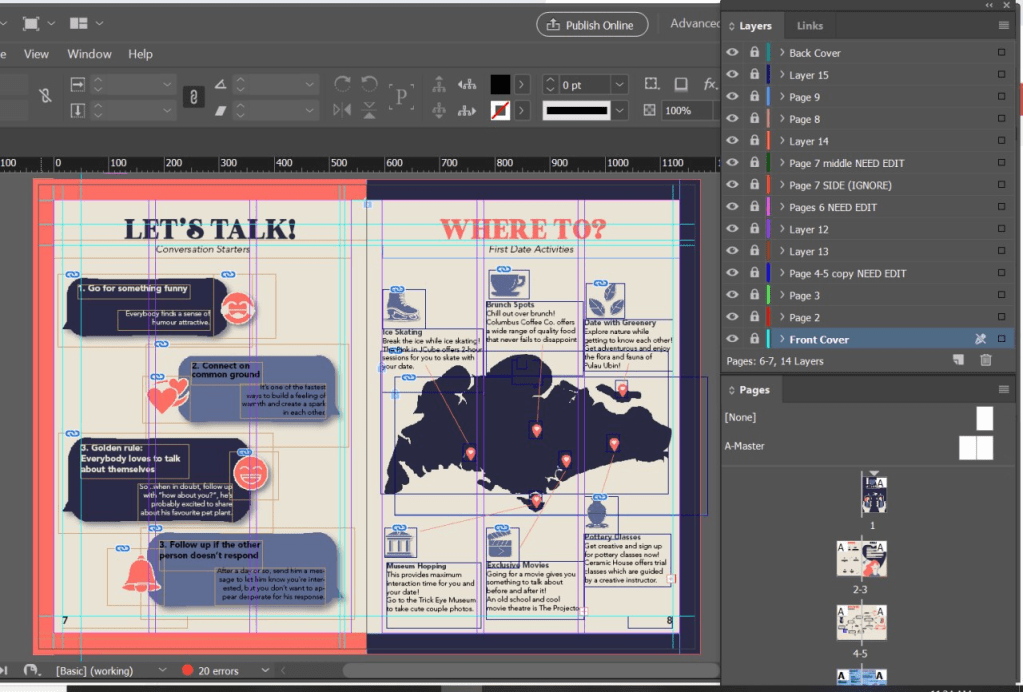
We worked on the presentation together while Sarah worked on the prototype. Sarah met a roadblock for the route map page so I took over for that portion to edit it and completed it. However, I made a mistake of not saving it frequently and hence my computer crashed after I completed the two facing pages. Fortunately, I managed to take a screenshot of my work to have it placed in the presentation slides. However, it would also mean that I would have to redo it for the final prototype as well.
4. Design Document and Final Prototype
After the critique, we received feedback that some of pages were too wordy and could use more graphics to display our information as well. This would mean that we would have to ensure that all our copy-writing material was shortened but still presented the same amount of quality information. Yan Ling transferred the pages from Illustrator to InDesign, while I redid the copywriting required for the pages that were too cluttered with information. Yan Ling and I worked together to refine the design prototype in terms of the alignment of the columns, creating more graphic vectors using Adobe Illustrator and effectively placing the different elements onto the document such that it has a neat structure and is easy for the audience to read and understand. We also attempted to apply more design principles into our design through having contrast for certain graphic vectors and playing around with layout of the design prototype.
Something interesting I learnt was that Yan Ling and I utilised different versions of InDesign (mine was 2020 while hers was 2019) and this resulted in a technical issue whereby she was unable to open my file. Fortunately, upon researching, all we had to do was to save the inDesign Document as IDMI (which stands for InDesign MarkUp) and this would allow the design prototype to be compatible with both of our versions of InDesign.
Our group had a few meetings to discuss the amendments of the design prototype as well as the content of the design document, and we were finally satisfied with our work! 🙂
This is a screenshot to show how we utilised Adobe inDesign for our layout of the prototype and create a clear structure for our entire eBook.
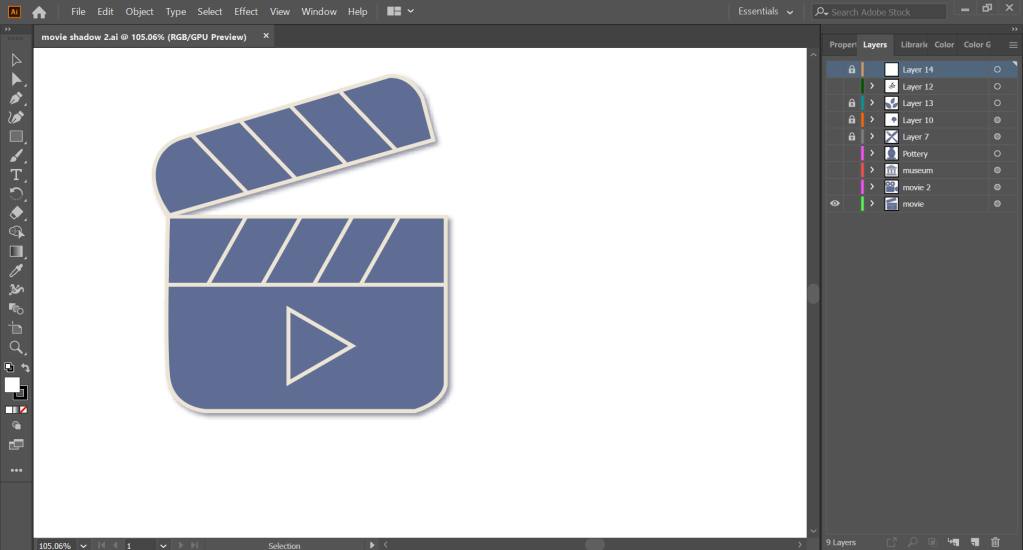
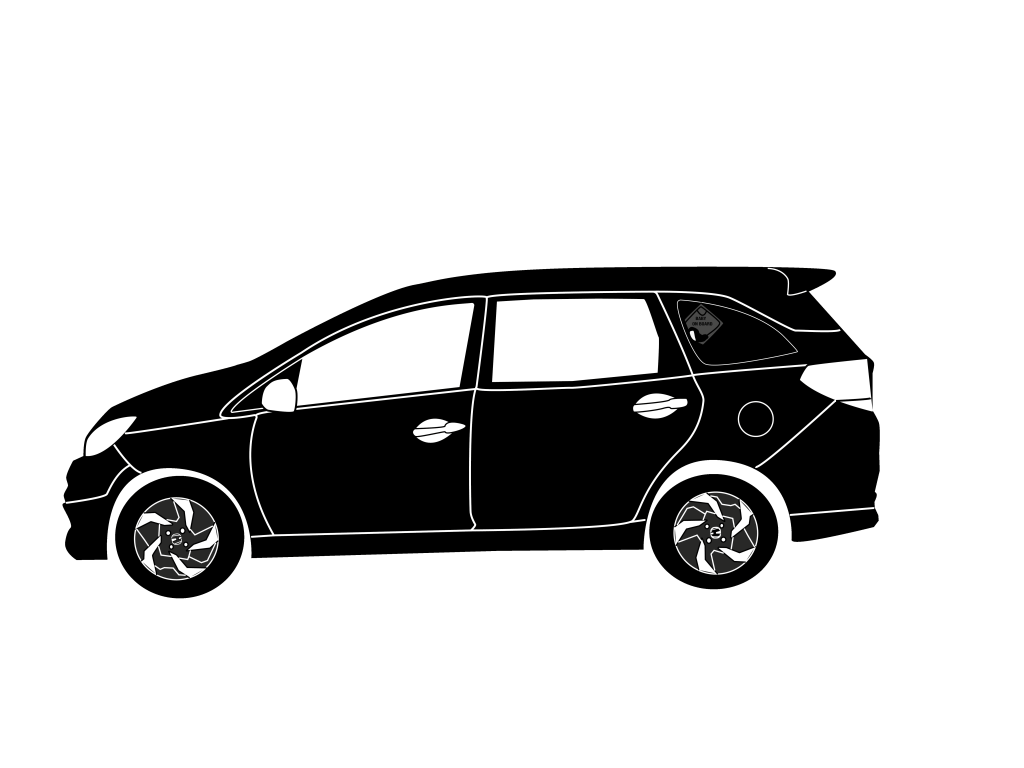
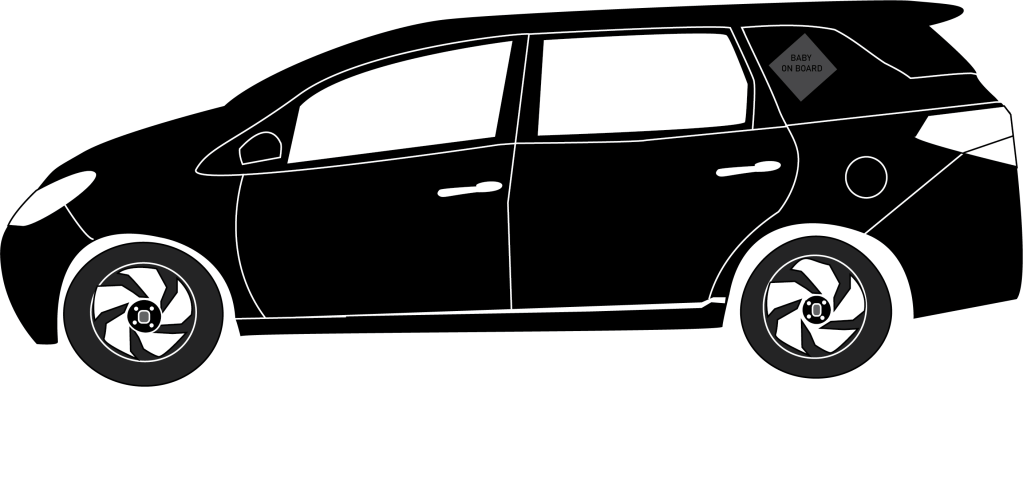
This is also to show that we utilised Adobe Illustrator to create our graphics from scratch by drawing using the pen tool.
5. Reflections
Having different design visions was something very difficult to reconcile, and we all had to work together to create something that we were all in agreement of. On hindsight, I should have been more insistent on the manner we split the workload, where it was either one person doing the graphics while the rest worked more on the inDesign layout, or everyone collaborating and ensuring that our graphics were similar in style while we worked on our individual pages.
The current COVID-19 circuit breaker situation also hindered us from physically working together, which made communication extremely difficult as well, as we had to work separately from our homes. This was not an ideal situation, but I am glad my group managed to work these through together.
Through this project, I have also learnt to use inDesign to create a more structured design and ensure that information are presented in a manner that is easy to read. I think my group did well in ensuring that the eBook looks visually cohesive and the flow of information was executed well too.
Overall, I think my biggest takeaway from working on this project was to have better communication when trying to convey my ideas to my team members. Given how our mode of communication was mostly online and through text, I could have better phrased what I was trying to convey and be more aware of how the other person would feel upon receiving the messages. I made a mistake in being unaware of how my messages were presented, and the intentions of mine were not properly conveyed. This resulted in a miscommunication that led to a conflict. This is definitely something I will work on diligently to improve myself and I will ensure that this conflict will not happen again in the future.


 Joy's NM3217 Blog